4. Activate Emergency Features Faster
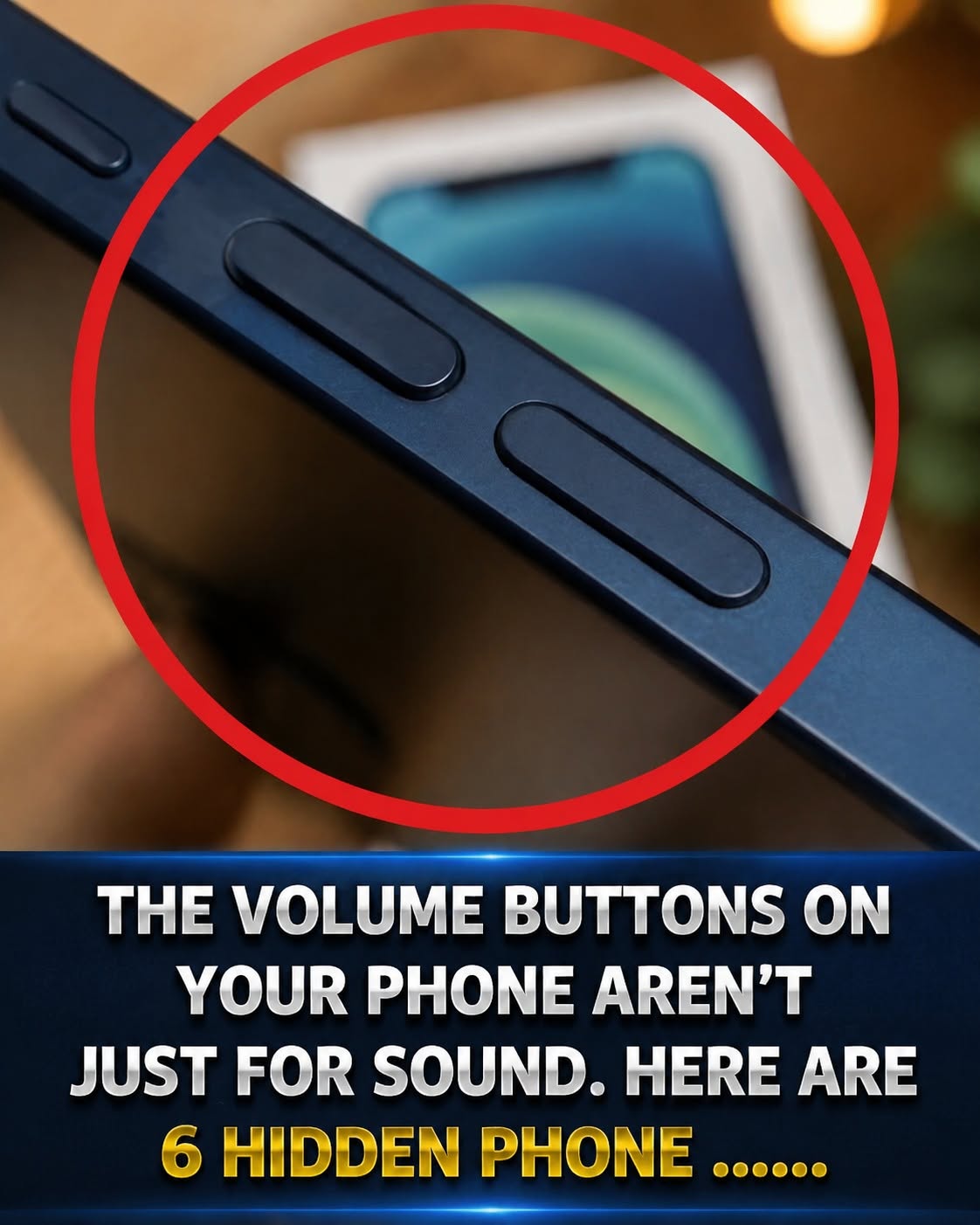
Many modern smartphones include emergency assistance features that can be activated using hardware buttons.
Depending on the device and settings, pressing the power button several times quickly may:
- Contact emergency services
- Share your location with emergency contacts
- Trigger safety alerts
Since these features vary by manufacturer and region, it's a good idea to review your phone's emergency settings ahead of time.
5. Use Widgets to Save Time
Widgets are among the most underused smartphone features.
They provide useful information directly on your home screen without requiring you to open apps.
Popular widgets include:
Weather
Check forecasts instantly.
Calendar
View upcoming appointments at a glance.
Reminders
Stay on top of important tasks.
Music Controls
Manage playback without opening your music app.
Health Tracking
Monitor activity, sleep, or hydration goals.
A few carefully chosen widgets can significantly reduce the number of taps required throughout the day.
6. Protect Your Eyes With Dark Mode
Many smartphones now offer a dark mode setting that changes bright backgrounds to darker tones.
Benefits may include:
- Reduced screen brightness in low-light conditions
- Improved viewing comfort for some users
- Potential battery savings on certain display types
Dark mode is typically available within your device's display settings.
7. Scan Documents Without Extra Apps
Many people download scanning applications even though their phones may already include this functionality.
iPhone
The Notes app can scan documents using the camera.
Android
Google Drive and several built-in manufacturer apps offer document-scanning features.
These tools can help create digital copies of receipts, forms, and important paperwork.